5 most important security camera features to help protect your home from burglaries
Resolution, night vision and storage: Here's what you should focus on when buying a new security camera
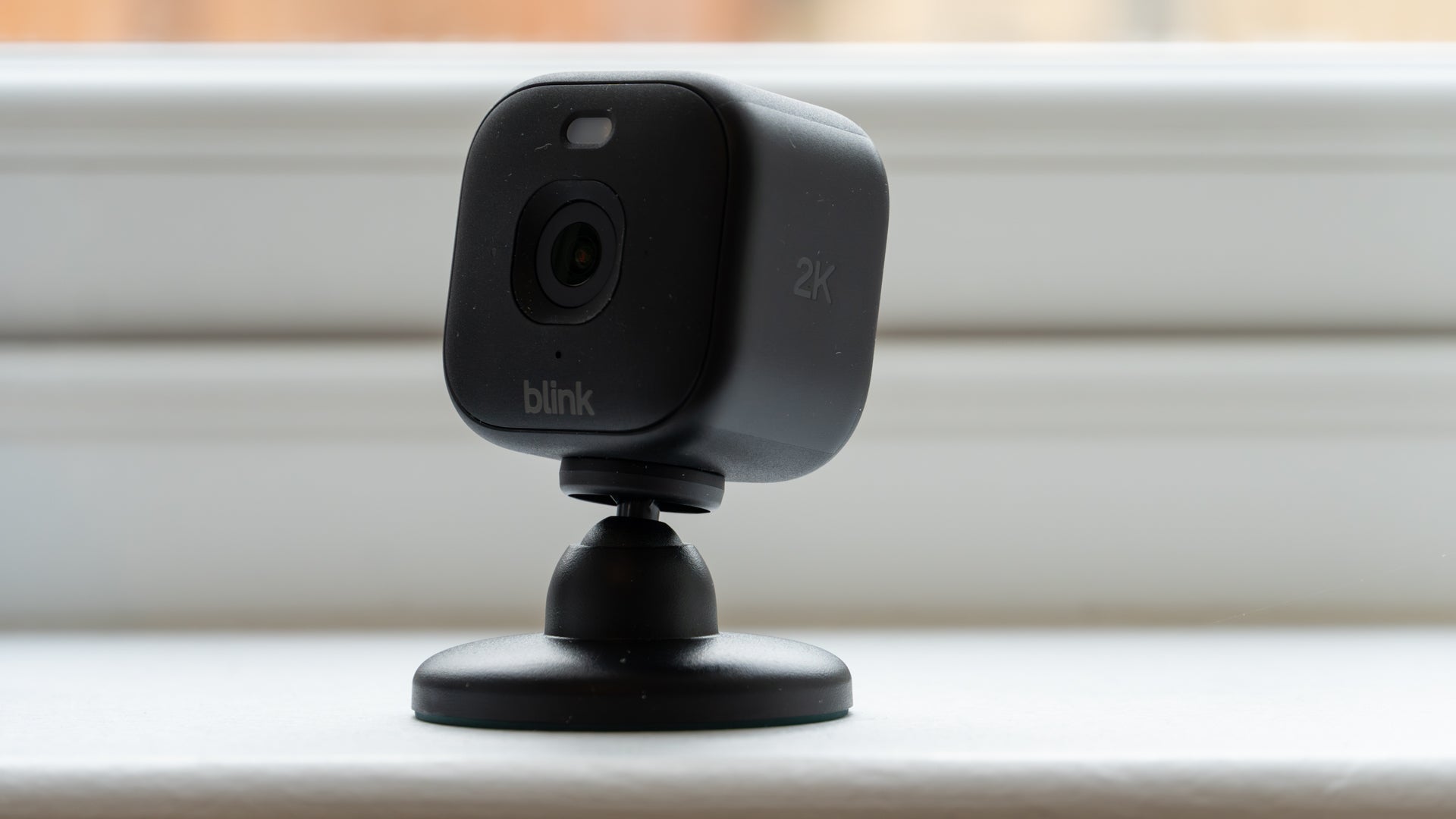
Home security cameras are cheaper and more capable than ever before. But with maturing technology comes feature creep. This is where manufacturers who are eager to impress load up their latest products with more functions and gimmicks than you know what to do with.
Instead of looking for a security camera that ticks every single box – dog detection, AI voice assistant and radar included – it’s best to focus on what you actually need.
In many cases, you’ll find the best security camera for you isn’t the most expensive or the one with the most impressive spec sheet. It’s the one that is easiest to use, and delivers the results you want in the simplest way possible.
That’s why I’ve compiled this list of must-have features for your next security camera. If you think you’ll need a secondary camera to keep an eye on parcels delivered to the doorstep – or the ability to plot a visitor’s path to your door from a satellite’s point of view, then that’s fine. But if you just want reliable, high-quality footage from a camera that’s easy to use, this article is for you.

Security camera features to look for
1. Video quality
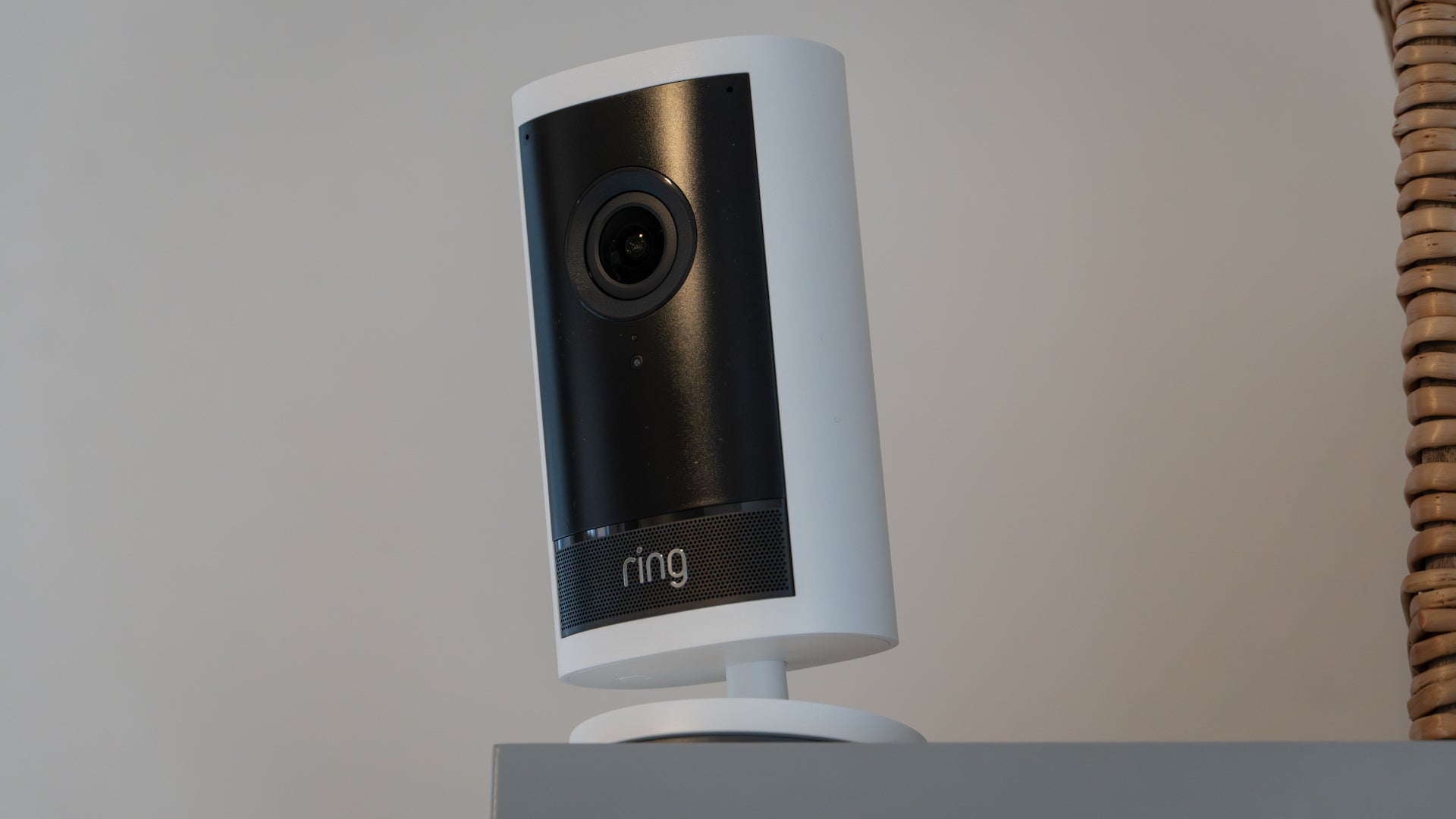
Although 4K video is offered by some flagship cameras like the Ring Outdoor Cam Pro pictured above, you might not need such a high resolution. Yes, the video will have more pixels than 2K or 1080p, but other factors like sensor size, lens aperture and video bitrate all contribute to the quality of security camera recordings.
For now, in 2026, the resolution sweet spot is 2K, also known as 1440p. This is higher than Full HD (1080p), but doesn’t produce the enormous file sizes and extra power demands of 4K – important factors if your camera is battery powered and uses cloud storage.
It’s worth knowing that 2K is plenty sharp enough to capture important details like faces and vehicle registration plates, without clogging up storage and draining the battery.
Look out for frame rate and the availability of HDR, too. A higher frame rate produces smoother footage that retains more detail when slowed down, while HDR boosts detail in especially light or dark sections of footage.
2. Local storage

If you want to avoid ongoing cloud storage fees, local storage is a must. This is where video recorded by the camera is saved either to the camera itself, on an inserted memory card, or to a dedicated storage hub elsewhere in your home. With such a setup, the footage is always accessible, has no expiry date, and is yours to keep forever at no expense.
The alternative is to pay for a cloud storage service. With some cameras, like those from Ring, this is the only option since local storage isn’t available. Saving video to the cloud tends to cost a few pounds per month – Ring Protect starts at £4.99; Blink costs from £2.50 – and can usually be paid monthly or annually.
Another benefit of local storage is future-proofing your system. If a cloud-hosted company closes down, merges with another or is victim to a cyberattack, your security camera recordings could fall victim in a way that isn’t possible with local storage.
All that said, cloud storage can be useful if you want an off-site backup that can’t be damaged or stolen.
3. Activity and privacy zones
Most security camera apps let you create activity and privacy zones that dictate what’s recorded and what isn’t. Both can usually be drawn onto the camera’s point of view.
Activity zones tell the camera to only take action when motion is detected in that specific area. Draw an activity zone that covers only your garden gate, for example, then you won’t be notified (and the camera won’t record any footage) when there’s movement on the lawn or patio. Activity zones also help to filter out unwanted notifications when your camera has a view of a neighbour's drive or nearby pavement.
Privacy zones are created in the same way, but this time they add a black privacy blocker. These are useful for obscuring neighbour’s homes or any other sensitive location that shouldn’t be in your recordings.
4. Strong night vision
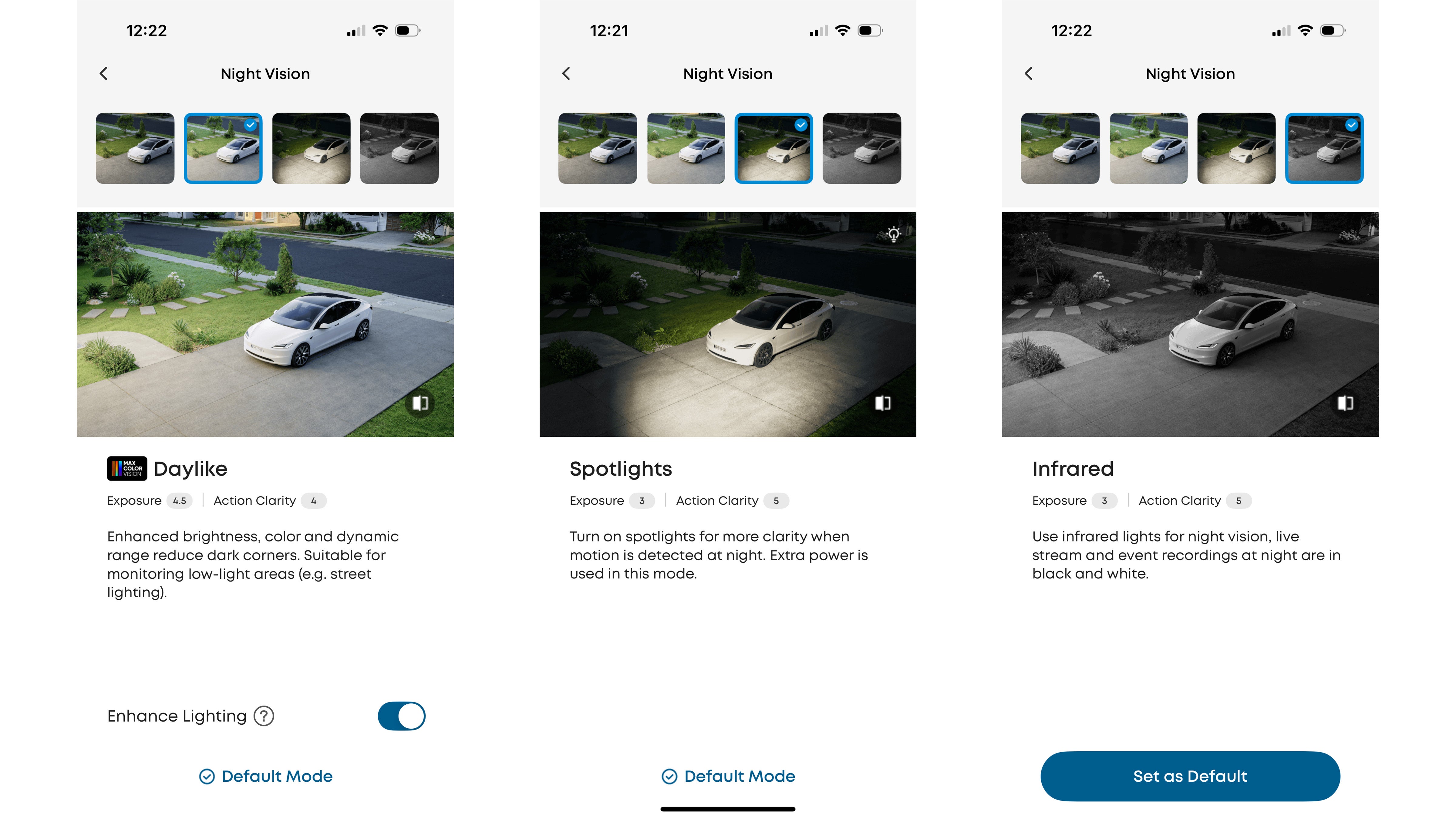
Night vision comes in several forms, including infrared, colour and spotlight-assisted. The first is the most common and uses invisible infrared light to create greyscale (black and white) footage, even when there’s zero ambient light.
Colour night vision is available on some newer security cameras. This uses imaging sensors like the Sony Starvis, which are especially good at capturing colour footage in very low light. Some cameras also then use AI to help improve video quality. I’ve found recent Eufy cameras like the S3 Pro and S4 are especially good at producing bright, full-colour video in the middle of the night.
Lastly, some security cameras use infrared night vision by default, but can also fire up a spotlight when motion is detected, which then helps the camera record in colour. Spotlights can also act as a helpful intruder deterrent, but you’ll want to avoid aiming the light into neighboring property.
5. A simple app
As I mentioned at the start of this article, some security camera companies are guilty of feature creep. This is most evident in their smartphone apps, which are often packed full of adjustable settings and features that many customers could do without.
Granted, you might want the AI voice assistant of Swann’s latest video doorbells, which answer and even speak to visitors on your behalf. Or you could be swayed by the clever radar tech of Ring’s flagship Pro camera range. But if you just want a security camera, look for models that stick to simplicity and nail the basics.
Examples of simple apps include Blink, which caters for the budget end of the security camera market, and Tapo by TP-Link.
Ultimately, there is no perfect home security camera for everyone. But if you take these five factors into consideration, then decide which you value the most, you’ll soon find the right camera for you.
Join our commenting forum
Join thought-provoking conversations, follow other Independent readers and see their replies
Comments
Bookmark popover
Removed from bookmarks