The Independent's journalism is supported by our readers. When you purchase through links on our site, we may earn commission. Why trust us?
Best digital notebooks for smart scribbling, tested by a tech expert
These clever pieces of tech save paper and stop you loosing your notes
- 1
 2
2
- 3
 4
4
- 5
 6
6
While pen and paper can be helpful in a pinch for jotting down the odd observation or a reminder to do something later, if you don’t categorise those notes then it can be tricky to track down a specific piece of writing. If you’ve encountered that exact situation but you still like the physicality of writing notes with a pen instead of typing them up then it might be the perfect time to upgrade to a digital notebook. For those who also want to store thousands of books in one device, IndyBest has also rounded up the best ereaders.
These tablet alternatives recreate the feeling of a traditional notebook via an E Ink screen, but they bring added benefits like cloud storage, page templates and quick sharing, just to name a few. As a tech journalist of seven years who regularly needs to take notes whilst testing the latest products, I made the move to having a digital notebook by my side roughly three years ago, and I haven’t looked back. It has streamlined my workflow immensely.
As more people have started to realise the value of digital notebooks, so too has the market expanded to accommodate demand, and now you have tons of options for anyone looking to get in on the action. With various ecosystems building around the latest digital notebooks, it can be tricky to understand which one is best for your needs, which is why I’ve gone ahead and tested the latest options so that you can make the right choice. Catering to all types of budgets and use cases, here is my definitive ranking of the best digital notebooks you can buy right now.
The best digital notebooks for 2025 are:
- Best overall – ReMarkable 2: £389, Currys.co.uk
- Best for Kindle readers – Kindle scribe: £379.99, Amazon.co.uk
- Best for students – Kobo libra colour: £209, Amazon.co.uk
- Best for writers – ReMarkable paper pro move: £439, Amazon.co.uk
- Best for productivity – Boox tab X C: £759.99, Amazon.co.uk
How I tested
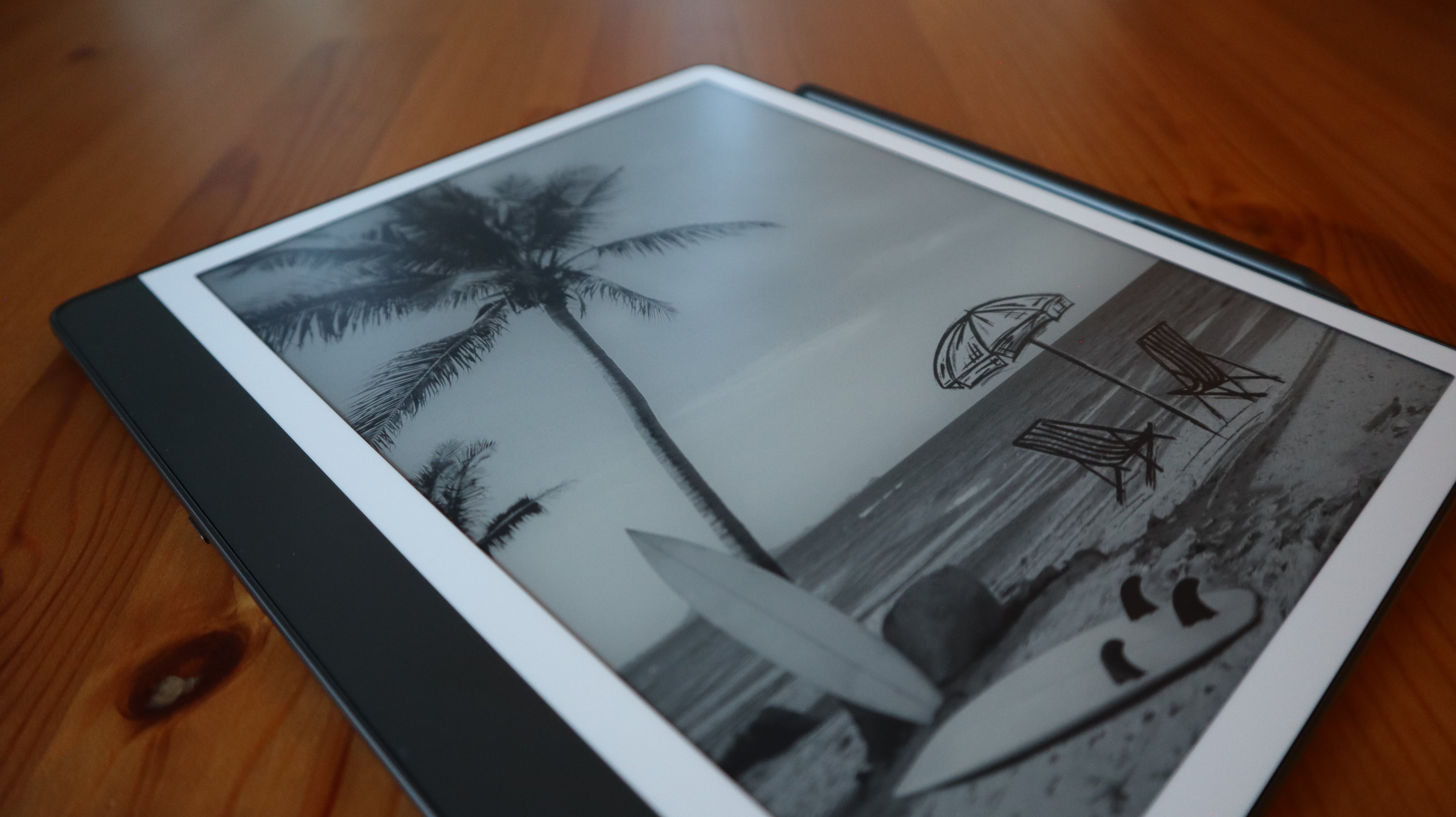
While any good digital notebook needs to recreate the sensation of writing with a pen or pencil, the ever-increasing amount of competition means that they have to go beyond that by offering additional smart features. There’s also the concept of ecosystems to consider, and how well devices mesh with your existing tech. With that in mind, my key factors for testing were the stylus, display, user interface, battery life and smart features.
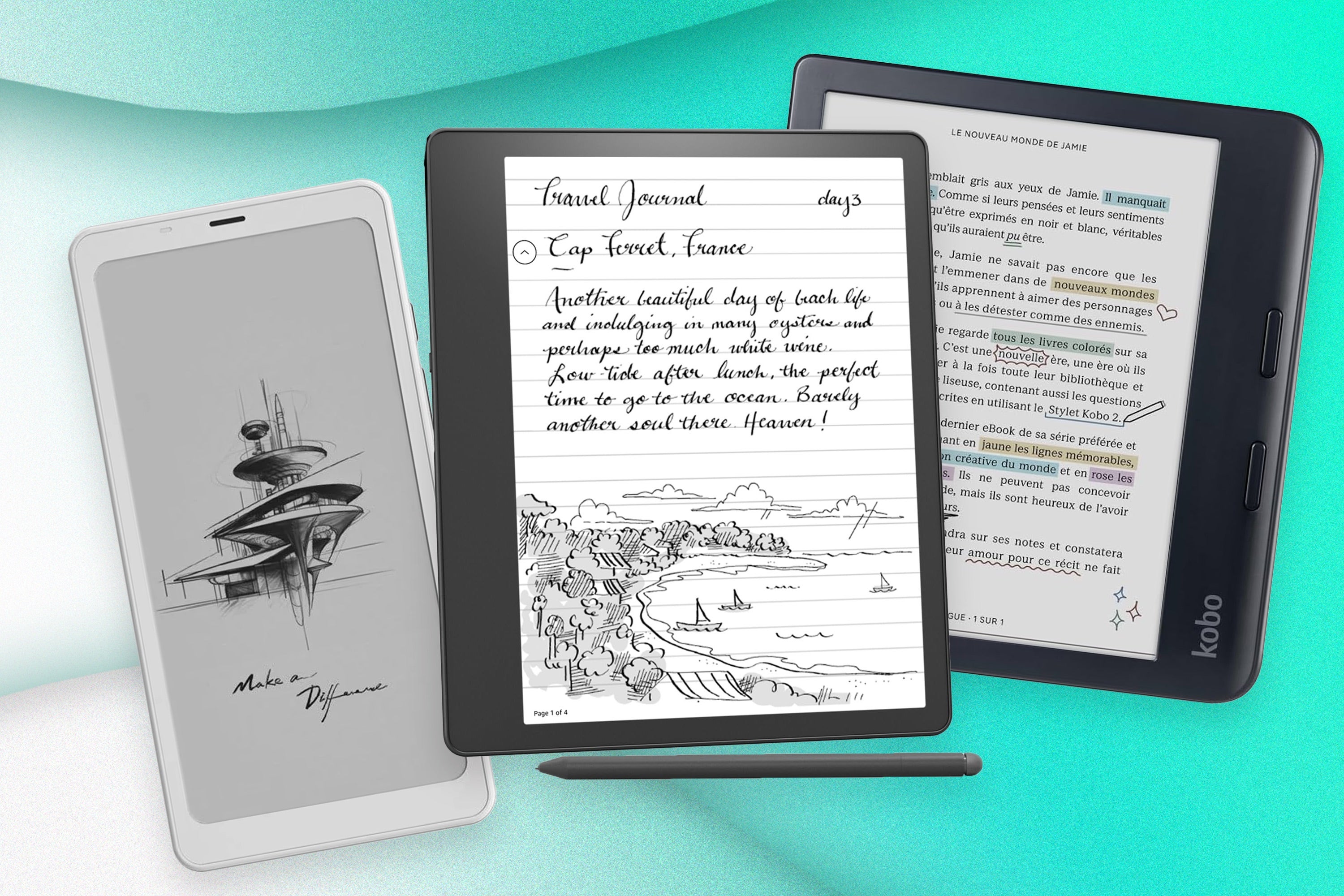
9 best ereaders 2025, tested by a tech critic
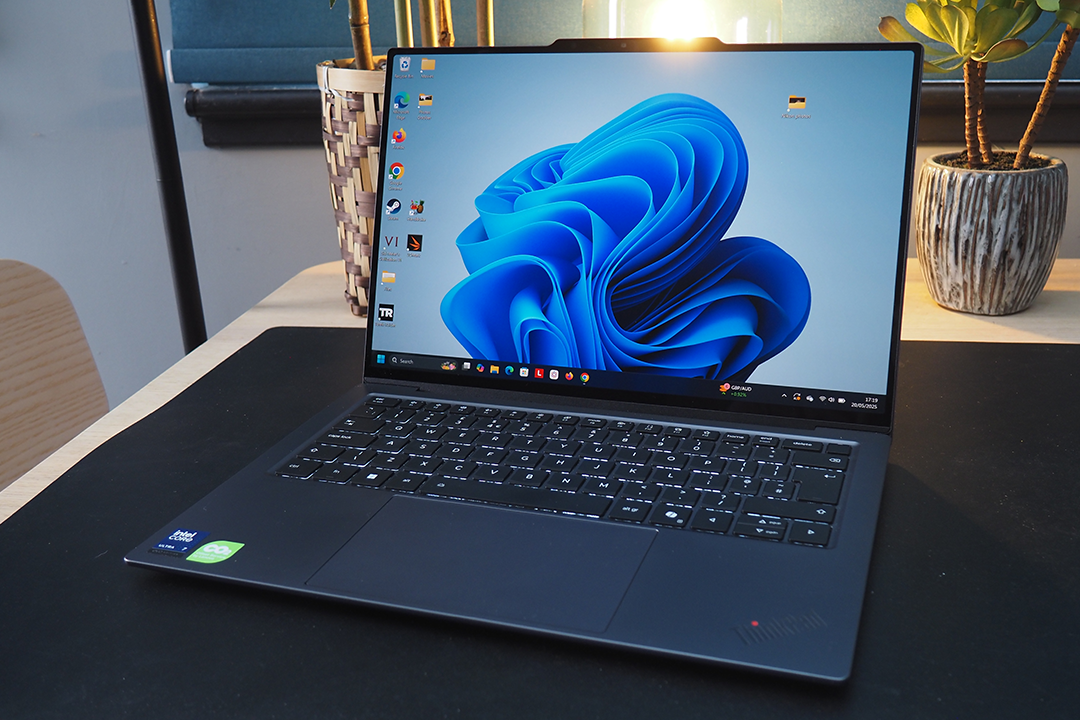
The best laptops 2025, tried and tested by our tech critics

What’s the best Kindle? Paperwhite, Scribe and more reviewed by a tech expert
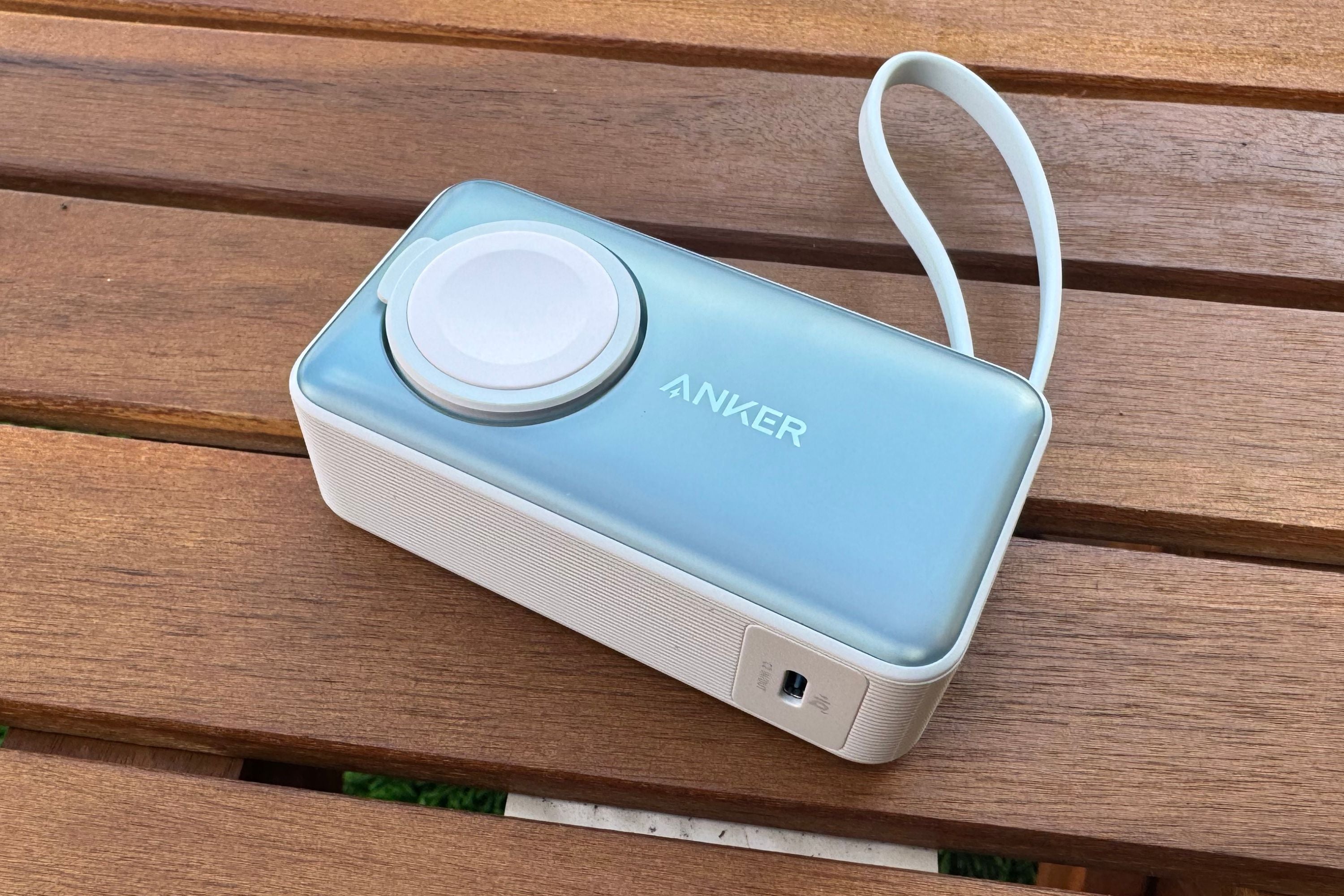
Best power banks to keep your devices topped up on the go
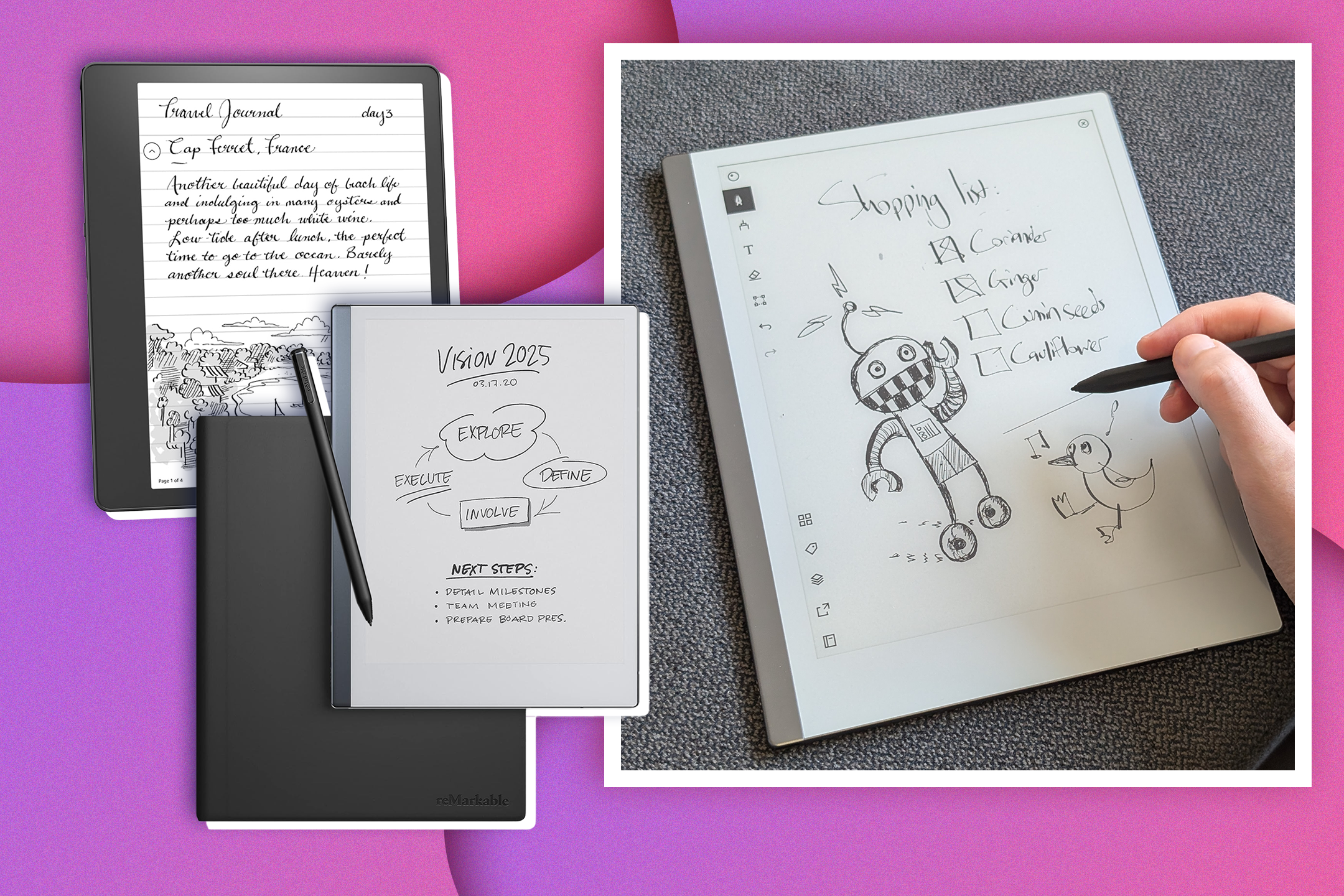
ReMarkable 2 vs Kindle scribe: Which digital notepad is worth your money?
1ReMarkable 2

- Best Digital notebook overall
- Dimensions 24.6cm x 18.8cm x 0.47cm
- Weight 403.5g
- Battery life Up to two weeks
- Colour display No
- Backlight No
- Why we love it
- The perfect balance of price and features
- The writing experience is exquisite
- Just the right size for most people
- Take note
- No backlit screen
- Can get a bit pricey with some accessories
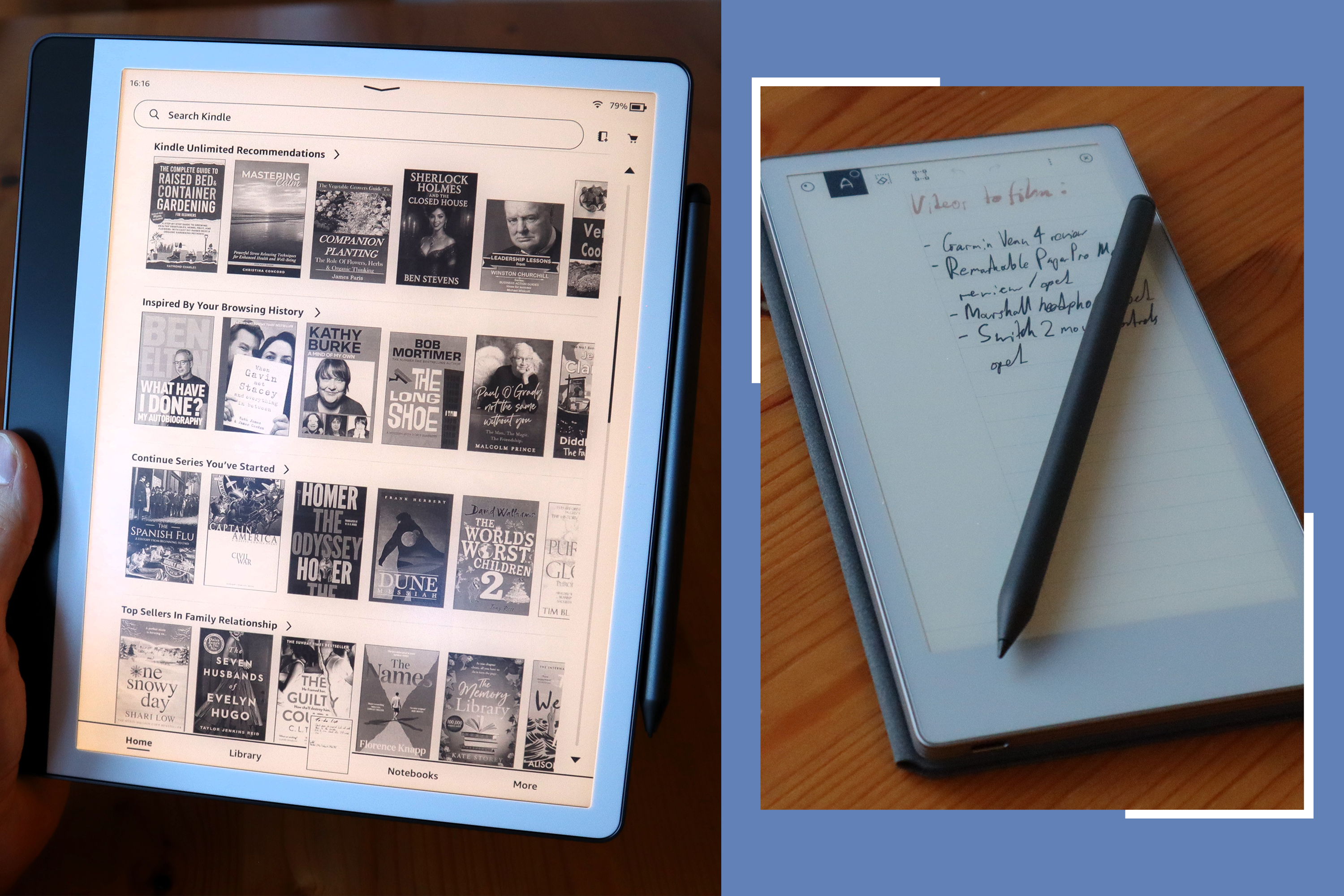
Even though it’s the sophomore device from its namesake company, the Remarkable 2 is the device that put digital notebooks on the map, and one that remains the best option for most people years after its release. Not only does it brilliantly recreate the sensation of writing on paper, but it’s the most affordable means of accessing the Remarkable ecosystem.

Starting at £389, it’s not a massive difference in price between the Remarkable 2 and the Remarkable Paper Pro Move, but given how costly it can get when accessories are brought into the mix, any chance to save is worth taking. In daily use, it’s Remarkable’s easy to understand UI that seals the deal, making it simple to organise notes, set up layers within a single page and even convert your handwriting into text.
The lack of a backlight does make working without a light source tricky, and you need to factor in the £2.99/month cost of Remarkable’s Connect subscription to have all available features, but the core experience just can’t be beaten.
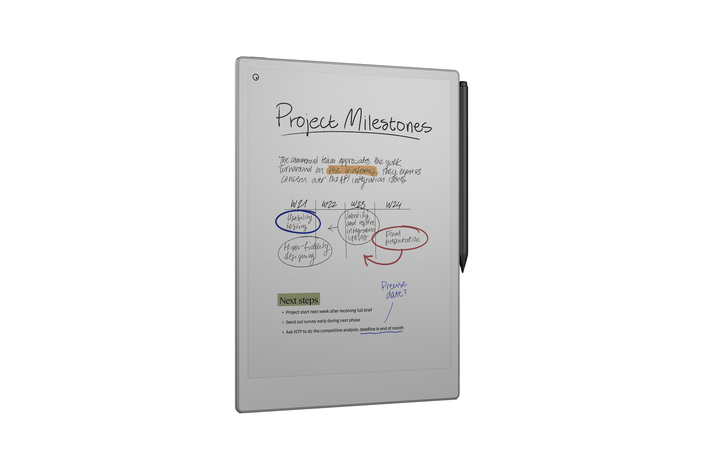
2ReMarkable paper pro
- Best Premium digital notebook
- Dimensions 27.4 cm x 19.6cm x 0.5cm
- Weight 525g
- Battery life Up to two weeks
- Colour display Yes
- Battery life Up to two weeks
- Why we love it
- Big display with plenty of space to scrawl
- Battery life that can really go the distance
- Improved processing speeds over the Remarkable 2
- Take note
- Eye-wateringly expensive
- The backlight could be a lot brighter
It took just over four years for a successor to the Remarkable 2 to come to market, but with the Remarkable Paper Pro, the wait was most certainly worthwhile. This larger tablet doubles down on everything that made its predecessor great by boasting a larger 11.8-inch display which offers more room to scribble down your thoughts, alongside a colour display.
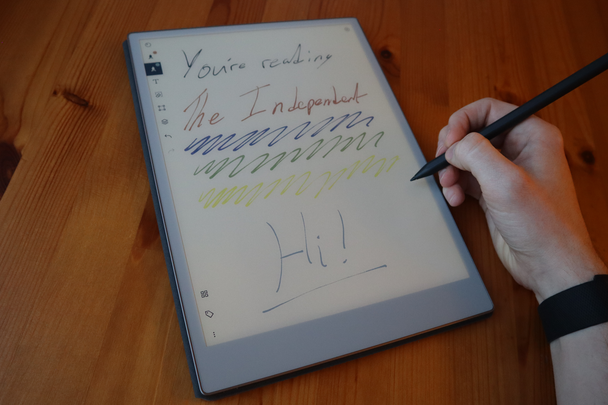
I didn’t think that I’d get much use out of the ability to swap to other colours on the fly, but being able to highlight passages in shades of yellow, cyan or navy (just to name a few options), has become a huge help in making sure that the focus of my notes is never lost. Even though the Paper Pro has the same two-week battery life claim as the Remarkable 2, I often found that the former would outlast the latter between charges.
The big problem is that with all the added features, Remarkable has upped the price by a considerable amount. The Paper Pro itself costs £559, and an accessory like the Type Folio keyboard case can set you back an extra £219. It’s definitely not for those on a budget, but for avid notetakers who will make full use of its features, the Remarkable Paper Pro is worth the expense.
3Kindle scribe

- Best Digital notebook for Kindle readers
- Dimensions 23cm x 19.6cm x 0.5cm
- Weight 433g
- Battery life Up to 12 weeks (reading only)
- Colour display No
- Backlight Yes
- Why we love it
- Full access to the Kindle library
- The pen is well designed and very comfortable to use
- A nice bright backlight for night-time writing
- Take note
- The notetaking experience is bested elsewhere
- Doesn’t quite match Kobo’s offering on annotations
Now in its second iteration, the Kindle Scribe 2024 is a much sleeker device than its predecessor with white bezels framing the display and a grip on the left hand-side where you can easily rest your non-writing hand. The Scribe is almost as thin as its USB-C charging port, so even if you do add a case to it, the device won’t be taking up a ton of space in your bag.

Because this is a Kindle device, you can use the Scribe much like any Kindle e-reader, which is an instant win for anyone who’s already invested in Amazon’s ecosystem. You get a much larger display than your average Kindle and the backlight is great for reading and writing in bed. Speaking of which, the included Premium Pen is the only other stylus I’ve used that comes close to offering the same writing experience as the Remarkable range, and the dedicated button for instant highlighting is a nice touch.
It’s a shame then that the UI isn’t as well-designed as the competition for actually taking notes. You can’t write directly onto a Kindle book, but rather leave digital sticky notes that the wording makes way for, and the dedicated notebook tab is sorely lacking in templates and smart features. If all you want is to read Kindle books and jot down your thoughts about them, you’ll get on just fine here.
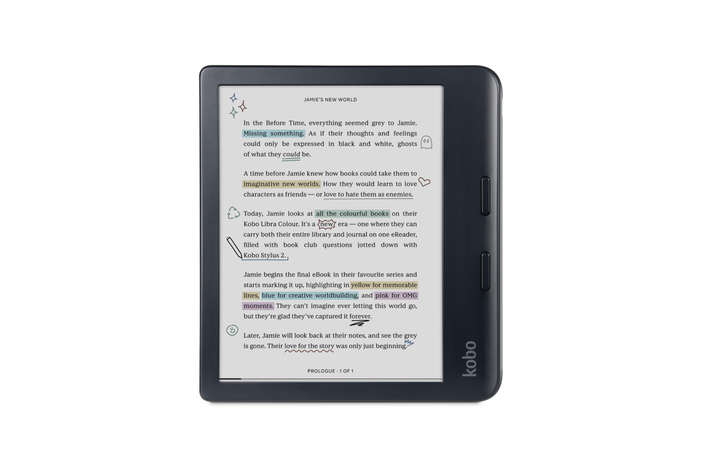
4Kobo libra colour
- Best Digital notebook for students
- Dimensions 16.1cm x 14.4cm x 0.83cm
- Weight 199.5g
- Battery life Up to 40 days
- Colour display Yes
- Backlight Yes
- Why we love it
- You can write directly onto ebooks
- Access your library’s books at any time
- A lot more affordable than the competition
- Take note
- The stylus has to be bought separately
- The writing experience is far from the best available
If the Kindle Scribe’s inability to let you enjoy seamless annotation is a major let-down, then the Kobo Libra Colour is here to pick up the slack. Not only does this Kindle alternative let you absolutely deface ebooks in any way that you see fit, but it also costs a great deal less which makes it a more tempting buy for students on tight budgets.

The best part is that, unlike a Kindle, not only can you buy books from more than one digital storefront, you also have the ability to access the ebooks of your local library via an OverDrive account. Once it’s all set up, you can enjoy the latest bestsellers at no additional cost, so for folks who want to save money in the long run, it’s a very cost-effective option. The inclusion of a colour screen is also helpful for highlighting passages with different hues, or even reading graphic novels.
The writing experience is the one area where the Libra Colour isn’t quite able to match the Kindle Scribe, let alone the Remarkable range, and what’s odd is that Kobo’s official stylus is sold separately, so you’ll have to factor in an additional £69.99 if you want the full plate of features.
5ReMarkable paper pro move

- Best Digital notebook for writers
- Dimensions 19.5cm x 10.8cm x 0.6cm
- Weight 230g
- Battery life Up to two weeks
- Colour display Yes
- Backlight Yes
- Why we love it
- Very compact and easy to carry around
- Similar features to the Paper Pro but for a fraction of the price
- Take note
- The screen is a bit too small for detailed note-taking
- Zooming in and out of templates can be a faff
It seems strange now to think that a smaller Remarkable tablet didn’t appear sooner given that there was an obvious gap in the market for a pocketable digital notebook, but I’m glad that the Remarkable Paper Pro exists at all. Instead of being an entirely new type of device, the Paper Pro Move is effectively a shrunk-down Paper Pro with all the features intact.
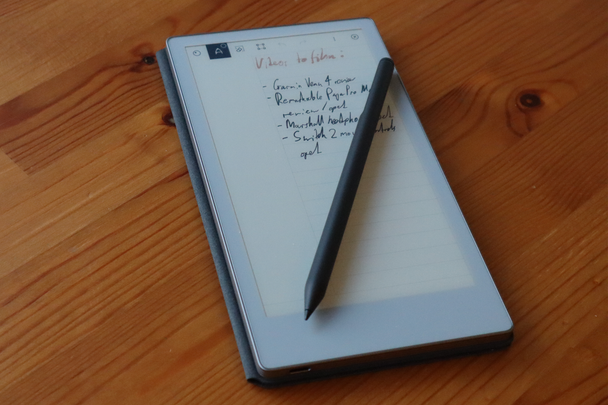
You have an E Ink-style display that’s capable of producing colour, and a backlight that makes scribbling down notes after dark an easy process. Because the screen is only 7.3-inches and the device weighs just 230g, it stands out for just how easy it is to carry around, which is why it’s great for professionals on the move. From my own experience, whipping out the Paper Pro Move during a product briefing has been a much simpler experience for taking notes, compared with some of the more cumbersome options on this list.
Still, the smaller screen can be a downside at times – you can’t really delve into detailed notes without constantly scrolling down the page for more space, or moving to a new page entirely. To that end, the Remarkable 2 and the aforementioned Paper Pro have the right amount of space available for more expansive brainstorming.
6Boox tab X C

- Best Digital notebook for productivity
- Dimensions 28.7cm x 24.3cm x 0.5cm
- Weight 625g
- Battery life Unspecified (5500mAh cell)
- Colour display Yes
- Backlight Yes
- Why we love it
- Full access to Android and the Play Store
- A brilliantly large display with a powerful backlight
- It can genuinely be used for typing up documents
- Take note
- It all comes at a very high cost
- Lacks the charm of Remarkable tablets
As much as I’ve enjoyed using the other options on this list for jotting down notes throughout my day, if you want a digital notebook that can also serve as a potential laptop alternative under certain use cases, then the Onyx Boox Tab X C is my go-to pick. Unlike the others which run proprietary software, the Tab X C operates on full-blown Android which includes a ton of extra benefits.
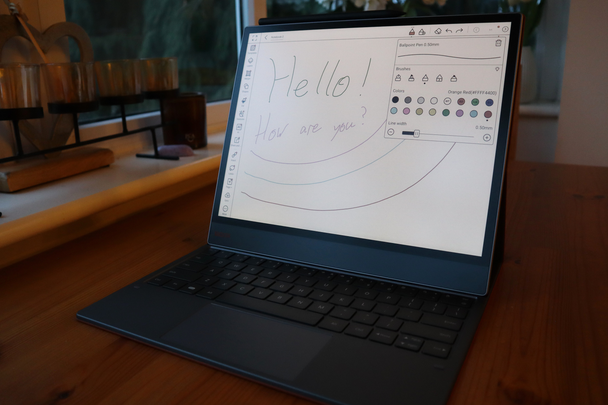
You can write down notes on Google Docs, read books on the Kindle app, or browse the web in a way that’s very easy on the eyes thanks to its bright, E Ink display. There’s just so much more functionality that you don’t get with most digital notebooks, and this sits on top of Onyx’s built-in note-taking software which resembles what you get on Remarkable tablets, although it is a bit more cluttered and lacks the simplicity that makes Remarkable devices so much fun to use.
The big problem is the price, which at £759.99 makes even the Remarkable Paper Pro look affordable, and that’s before factoring in additional accessories like the available keyboard case. If you’re going to use the full breadth of functionality that’s available with Android then it’s a worthy buy, but everyone else is better off looking at the alternatives (and saving a small fortune).
What is the best digital notebook?
Although it has more powerful options even within the company’s own range, and there are now more competitors than ever, it’s the humble Remarkable 2 that takes our top spot as it still manages to be the best option for most people. Blending the brand’s uncluttered UI with a timeless design in a package that doesn’t go completely overboard on price is exactly why the Remarkable 2, so far, has yet to be beaten.
How I selected the best digital notebooks
During my testing process, I used the following criteria:
- Stylus: Arguably the most crucial aspect of the whole package – if the intended stylus (sometimes sold separately) is uncomfortable to use or makes an irritating sound as you write then the overall experience is already diminished from the jump. The only way to test this properly is over prolonged use.
- Display: Practically all digital notebooks use some form of E Ink technology, but they don’t all use it to the same effect. Above all, the display has to show a good amount of detail so that your writing isn’t blurry, and it needs to withstand glare from nearby light sources to make it easy to read. Testing this involves using a digital notebook both inside and outdoors.
- User interface: Just like with how a stylus needs to recreate the simplicity of pen and paper, that sensibility also needs to intertwine with the user interface. If the UI is convoluted or makes it difficult to change the settings when you want then it becomes less inviting than the analogue alternative.
- Battery life: Because digital notebooks use less power-intensive E Ink displays, they tend to last longer than regular tablets already, but it’s still essential to know how long they can run for between charges. After all, avid notetakers will probably want to get through a busy week without having to pack an extra charger.
- Smart features: The crux that makes digital notebooks so appealing in the first place. At one point in time, being able to store your notes digitally was enough but now there are plenty of extras to consider including whether or not these devices can be used for reading, smartphone connectivity or even accessing apps.
Why you can trust IndyBest reviews
Thomas Deehan is an experienced tech writer who has previously reviewed the best noise-cancelling headphones for IndyBest. Like all products recommended by IndyBest, each digital notebook was tested extensively and under real-world conditions, which ensures that our reviews are accurate, honest and unbiased.
For more reading tech, these are the best ereaders according to a tech critic
Bookmark popover
Removed from bookmarks