This app blocker cut my screen time to just two hours a day
Is this £54 magnet the key to getting off your phone? I’ve spent weeks testing it to find out
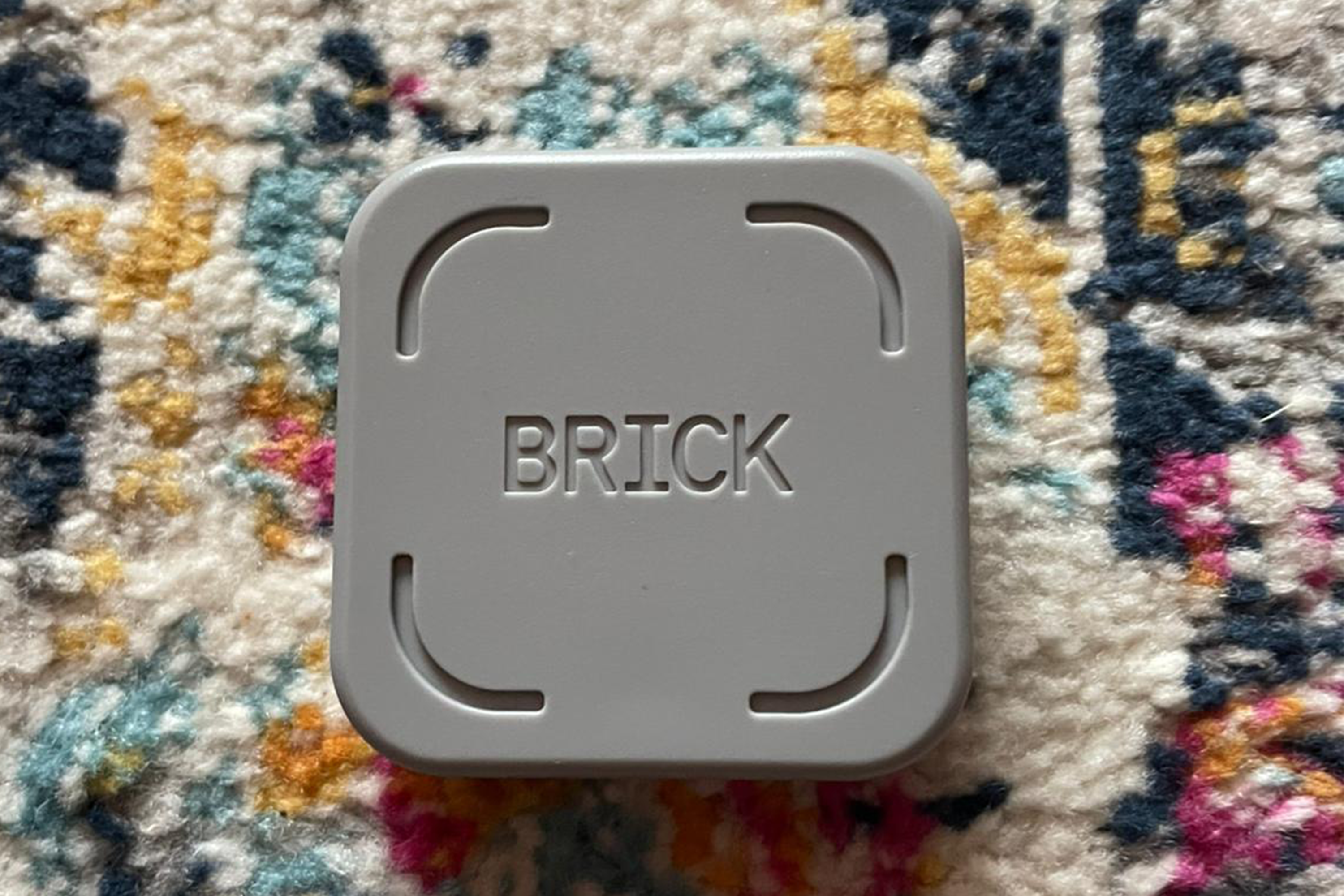
As social media continues to favour endlessly addictive short-form videos and infinite scrolling, it’s little surprise that many of us are starting to feel uncomfortably close to the humans in Wall.E. This has led to the rise of digital app blockers, dumbphones and now Brick, an unassuming device that claims to cut down your screen time, which I’ve spent weeks putting to the test.
Most of us would rather not dwell on just how much time we spend glued to our devices, but Apple’s screen time feature lays it bare in sobering detail. After checking mine a few years ago, I made it a New Year’s resolution to cut back and, fuelled by a mix of guilt and accountability, I saw some progress. By 2025, however, I’d hit a plateau.
The rise of basic, internet-free ‘dumbphones’ reflects a growing appetite for digital restraint, but going cold turkey doesn’t appeal to me. I don’t want to abandon social media altogether – I just want to regain control over my attention. Basically, I’m not after a dumbphone; I just don’t want to feel permanently tethered to my smartphone.
That’s why Brick caught my attention. The pocket-sized, magnetic gadget limits certain smartphone functions by physically interacting with your device. You decide which apps are blocked and which remain accessible, and to ‘brick’ or ‘unbrick’ your phone, you have to tap it against the device itself – a deliberate step that makes it harder to bypass than most screen time apps. Keen to see whether it could genuinely help me spend less time scrolling, I put Brick to the test over several weeks. Here’s my honest verdict.
Read more: Enjoy screen-free activities with our tried-and-tested pick of the best family board games
How I tested

I received the Brick and put it on the fridge in my house. I set up a mode called ‘Focus’, which blocked Instagram, Facebook, Messenger, WhatsApp and TikTok. When I wanted to restrict my social media usage, I tapped my phone against the Brick and went back to my desk. During testing, I considered the following criteria:
- Effectiveness: I evaluated the Brick on how much it reduced my screen time and how my relationship with my phone changed.
- Ease of use: From initial setup to creating an account, I looked at how user-friendly the experience was.
- Value for money: At almost £55, the Brick isn’t a cheap investment, so I assessed if it is worth the price tag.
Read more: We’ve already read some of 2026’s biggest book releases – these are the 4 to look out for
Brick
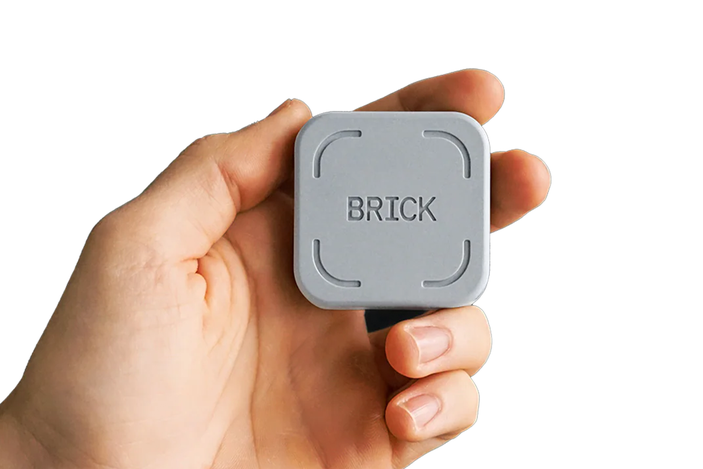
- Size 2in x 2in
- Smartphone compatibility Android devices running version 12.0 or later and iPhones running iOS 16.2 or later
- Why we love it
- Difficult to bypass
- No paid subscription
- Sticks on fridge
- Take note
- Expensive
- Lacks design choices
The app
The Brick itself was ready to use straight out of the box, and the app required very little set-up. After creating an account, I was asked to create a ‘mode’ (for example, ‘work’, ‘study’, ‘family time’) and select which apps I wanted to block. If you prefer, you can also set this up the other way around, by blocking all the apps on your phone and selecting the ones you want to keep available.
The app has four pages:
- Brick: This is what you open before you tap your phone to the Brick.
- Schedule: Set up times you want your phone to be bricked automatically.
- Activity: Track how many hours your phone has been bricked for each day.
- Settings: This is where you can sign out of your account and use features like ‘Strict Mode’ and ‘Emergency Unbrick’, which I’ll explain below.
‘Schedule’ lets you block apps at a particular time without needing to tap your phone to the Brick. Once your scheduled focus time has started, you’ll need to tap your phone to the Brick to regain access to your blocked apps.
If you want to stop checking your phone first thing in the morning, I recommend setting a schedule for the time you usually wake up. For me, I set a ‘Work’ schedule to prevent myself from checking social media throughout the day. This was helpful as I wouldn’t notice my phone was bricked until I went to use one of my blocked apps, so it served as a good reminder that it wasn’t the time to be scrolling – though admittedly, I turned this off during a day off and forgot to turn it back on.
Unlike Apple’s own screen time settings that are easy to bypass, the Brick makes it as difficult as possible to get around once it’s activated. Want to delete the app? By turning on strict mode, you’ll be blocked from doing so.
What if there’s an emergency, I hear you ask? If you lose your Brick or you’re away from it, you get five chances to use an ‘emergency unbrick’. This feature was a godsend to my partner, who was in the airport on the way to Dublin when he realised he had forgotten to unbrick, leaving him unable to use Safari, Google and the App Store (these are the things that people without social media find distracting, I guess).
The device

The device itself has a simple, no-frills design. The magnet on the back means you can stick it on your fridge, which I loved, because it’s the kind of thing I would probably misplace otherwise.
Is it the cutest magnet on my fridge? Definitely not. In the age of TikTok aesthetics, I would be surprised if it didn’t come out with some cooler colours or designs in the future, though maybe minimalism is part of the point.
The Brick being a physical object is what sets it apart from other screen time apps. Having to get up to tap it forces you to think about what you’re doing and be more intentional with your phone usage. It worked well for me, and I can imagine it being great for families, too; parents could tell their kids to tap the Brick before dinner, studying or a movie night to avoid distractions.
Is the Brick worth it?
In my opinion, if you’re hopelessly addicted to your phone, there’s not a device that can cure you unless you are determined to address your habits. But if you’re already on that journey, or looking to start, the Brick is a great tool.
I was pleased to see that my screen time was lower on the days I used the Brick. Last year I was averaging around four-and-a-half hours of screen time a day – occasionally going up to six hours – but thanks to the Brick it’s gone down to a much more palatable two hours day. However, it’s done more than just help me reduce the time I spend on my phone. One of my main goals was to use my phone more intentionally, meaning less compulsive scrolling. By forcing me to go and tap my phone in order to access social media, the Brick helped me develop a clear separation between focus and screen time.
While the Brick is designed to be as difficult as possible to bypass, it’s not a magic fix. When I was determined to distract myself, I found a way, and as I usually work from home in a one-bedroom flat, it was easy enough to walk to the kitchen and unbrick my phone. I also found myself opening social media on my laptop to scroll, so the compulsion is definitely still there.
But learning to embrace boredom and self-control are part of the process, and the Brick does help me stay on track. If you’re serious enough about tackling your phone addiction that you’re considering buying a £54 block, it could be a helpful companion.
You may find it hard to justify paying this much to make your phone less functional. It’s tricky to say whether the Brick is fairly priced as there isn’t really a gadget like it out there. But on the plus side, it is a one-time payment unlike other screen time apps that charge a monthly fee. Plus, one Brick can be used with as many phones as you like, so you only need one per household.
Looking to reduce your screen time more? These are the best dumbphones for a social media detox
Bookmark popover
Removed from bookmarks